
Time Travel Queries in SQL, Explained
Someone deletes 10,000 rows by accident. A bad update corrupts customer data. A regulator asks what data drove a decision last Tuesday. Time travel queries answer all three with one SQL clause — FOR SYSTEM_TIME AS OF — by reading any table as it existed at a past timestamp. No backup restores, no audit log plumbing, no temporal-column scaffolding.
Overview
A walkthrough of time travel queries in SQL: the three workarounds teams reach for first (backups, audit log tables, change-tracking columns), why each one falls short at scale, and how FOR SYSTEM_TIME AS OF subsumes all three by reading historical row versions the database already retains.
Topics Covered
- •Why backups, audit logs, and change-tracking columns fall short
- •FOR SYSTEM_TIME AS OF syntax — relative offsets and exact timestamps
- •Recovering accidental deletes without a restore
- •Reconstructing what a system saw at decision time (debugging + compliance)
- •Joining a table against itself across time to compare states
Key Takeaways
- ✓One SQL clause replaces backup restores, audit log tables, and change-tracking columns
- ✓Works on the live table — no separate snapshot or temporal copy to maintain
- ✓Retention window is configurable (typically 24 hours by default)
- ✓Pairs naturally with fresh-by-default operational data for audit and debugging
More Product Demos
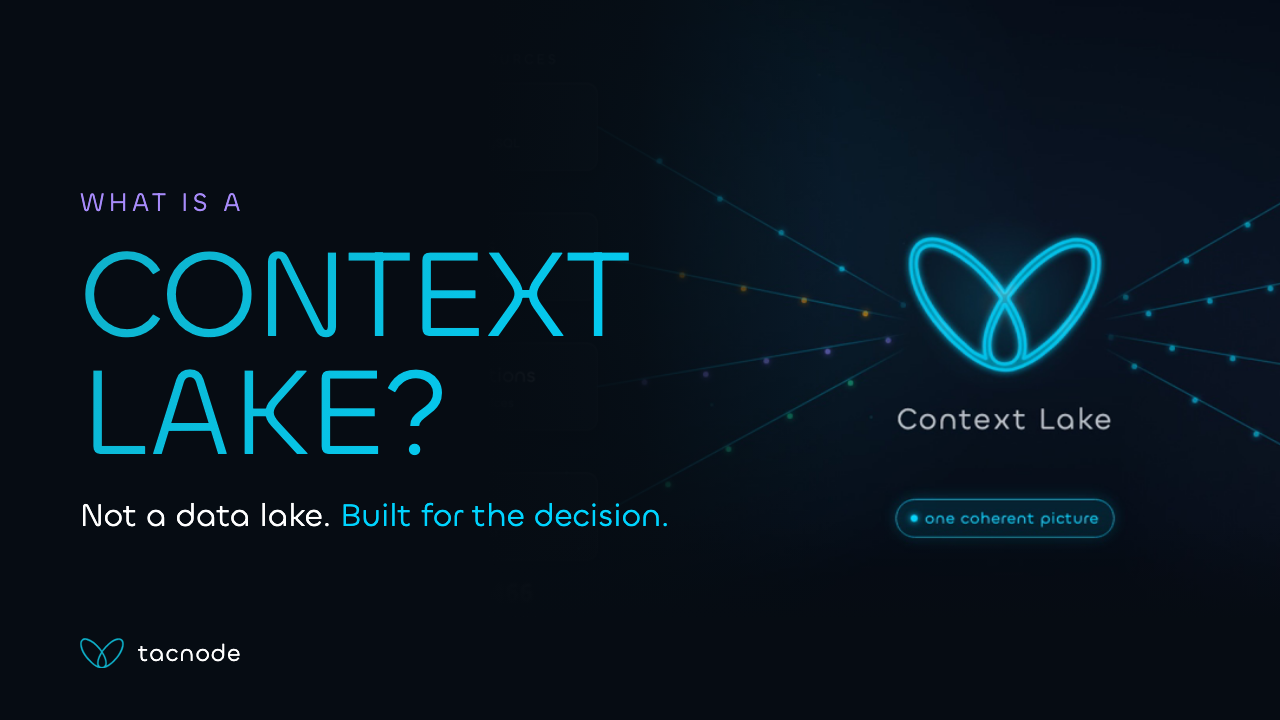
What Is a Context Lake? The Data Layer Behind Real-Time AI Decisions
A 3-minute explainer that builds the context lake as one diagram — where the data comes from, what it serves, and why the usual middle leaves decisions acting on a reality that has already moved.
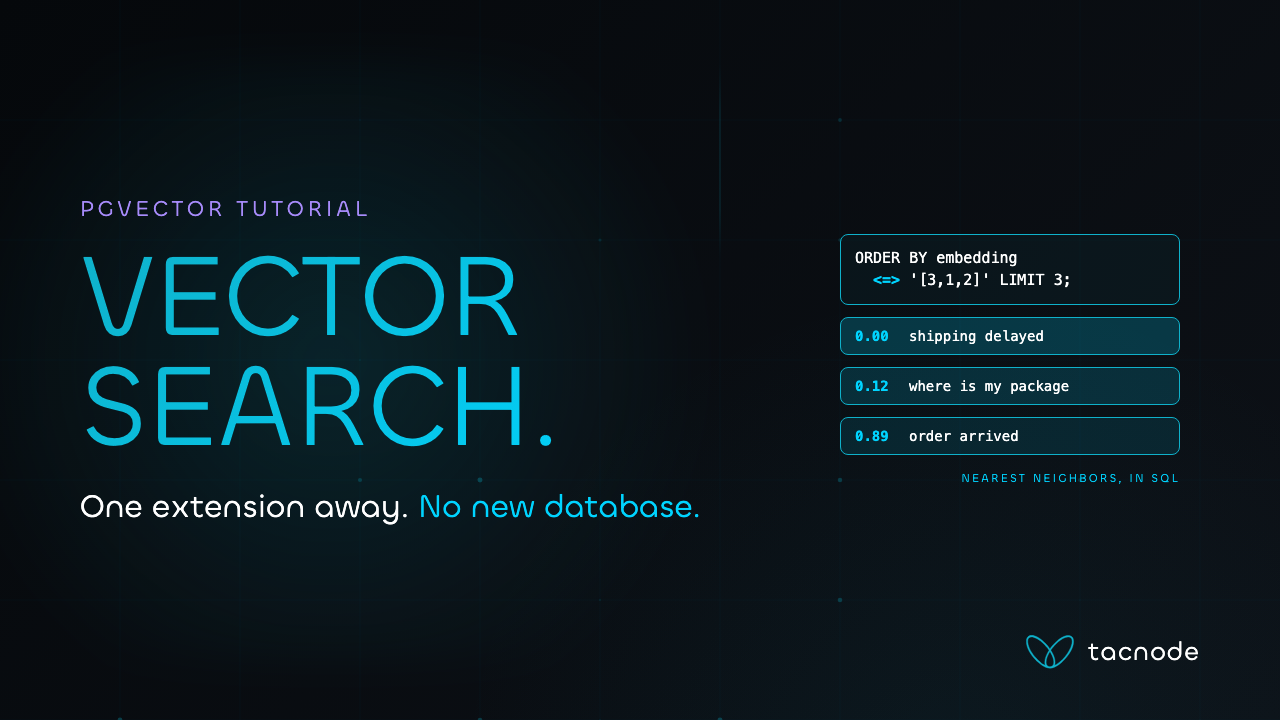
pgvector Tutorial: Vector Search in Postgres from Scratch
A 3-minute pgvector walkthrough — enable the extension, store embeddings, query nearest neighbors, and index with HNSW or IVFFlat, all in the Postgres you already run.
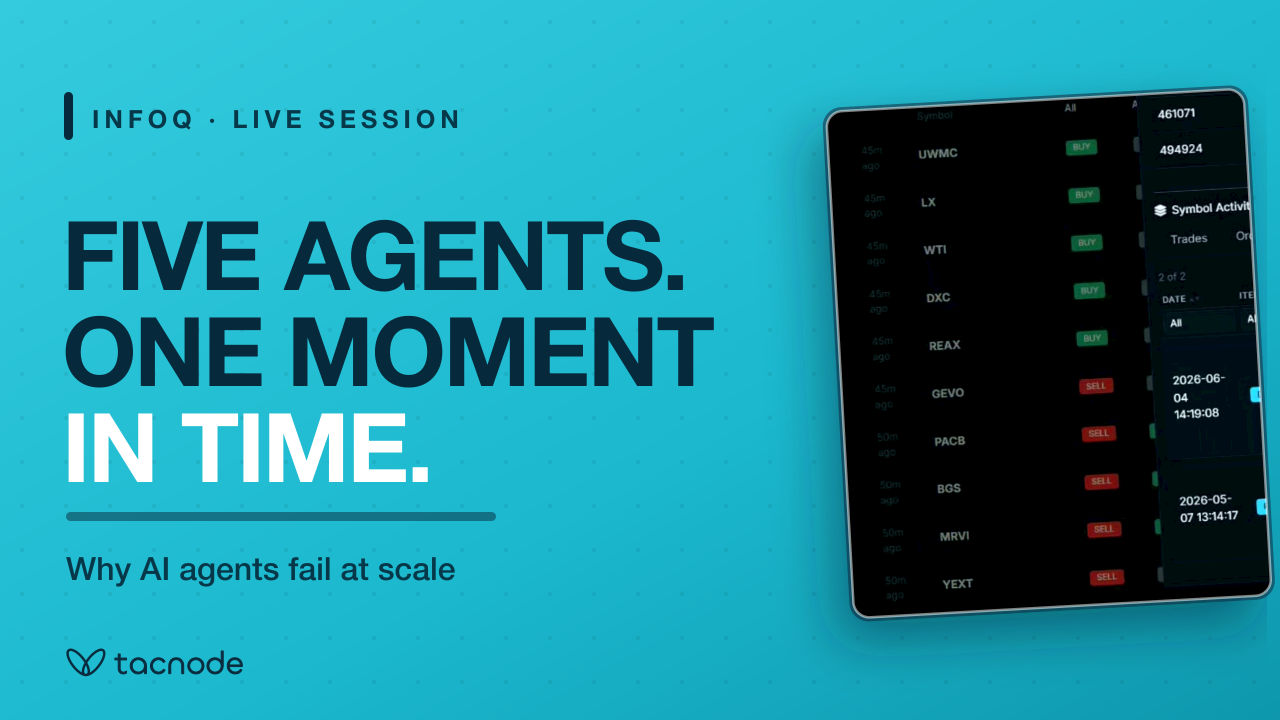
Why AI Agents Fail at Scale: Context Is a Data Layer Problem
A full InfoQ session on why agents that demo beautifully struggle in production — what "context" actually means, why agents read data differently than people, and what an agent-ready data layer has to do.
Ready to get started?
Book a demo to see how Tacnode can power your real-time data infrastructure.