
pgvector Tutorial: Vector Search in Postgres from Scratch
Everyone's first vector search plan starts with "stand up a vector database." If you already run Postgres, you can skip that: pgvector adds a vector column type, distance operators, and two index types to the database you have. This walkthrough covers the whole path with real SQL on screen — install, store, query, index — then gets honest about where pgvector stops: retrieval is solved, but combining similarity with fast-changing state under concurrent reads is the architecture question that comes next.
Overview
A from-scratch pgvector tutorial: what an embedding is, the two statements that set up vector storage, nearest-neighbor search as plain SQL, why the first query is a full scan, how HNSW and IVFFlat indexes trade a sliver of recall for speed, and where a Postgres extension stops being the whole answer.
Topics Covered
- •Embeddings as coordinates for meaning — similar things land near each other
- •Setup in two statements: enable the extension, declare a vector column
- •Nearest-neighbor search in SQL with the cosine distance operator
- •The catch: without an index, every query is a full scan
- •HNSW vs. IVFFlat — graph traversal vs. clustered buckets
- •Where pgvector stops: similarity over state that changes under concurrent reads
Key Takeaways
- ✓If you already run Postgres, vector search is one extension away — no separate vector database
- ✓Similarity is just another clause, so filters and joins you already know still apply
- ✓Both index types are approximate: you trade a small amount of recall for speed at scale
- ✓The limit usually isn't volume — it's whether every part of the query sees one coherent snapshot of changing state
More Product Demos
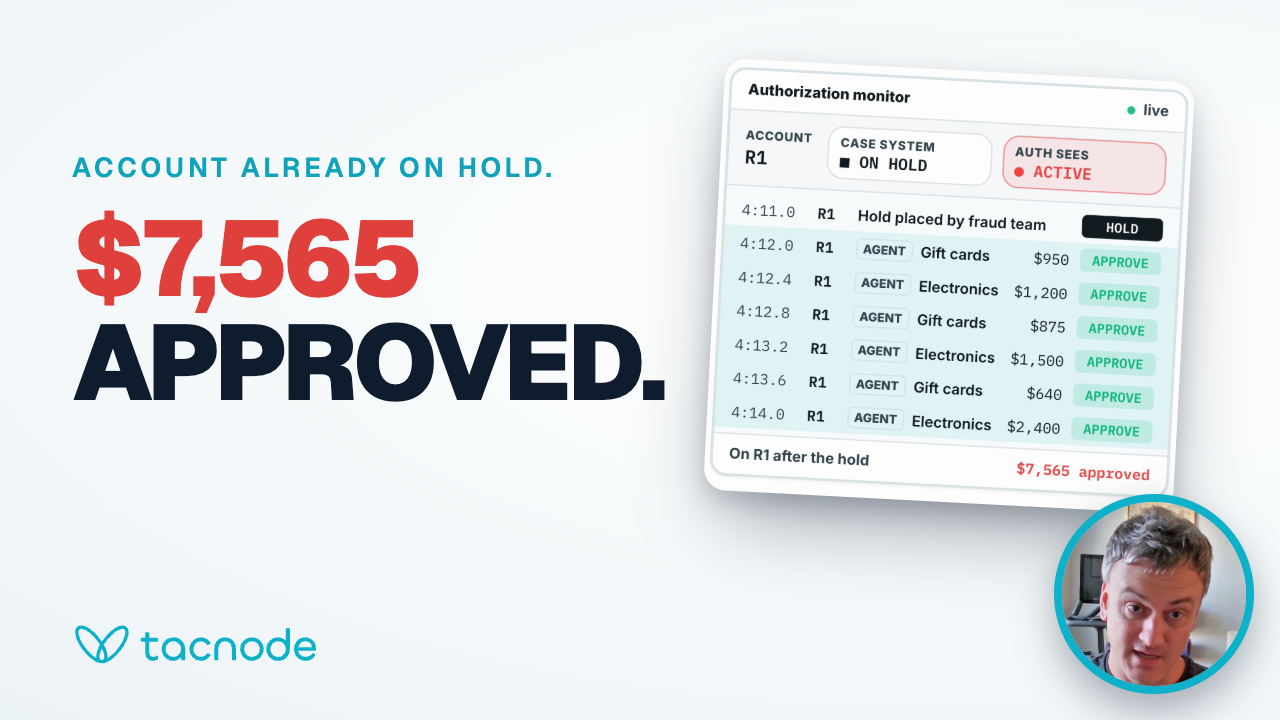
Card Fraud: Six Purchases Approved on an Account Already on Hold
A 4-minute walkthrough of a fraud hold placed in time that reaches card authorization eight seconds late, and the same hold with current context.
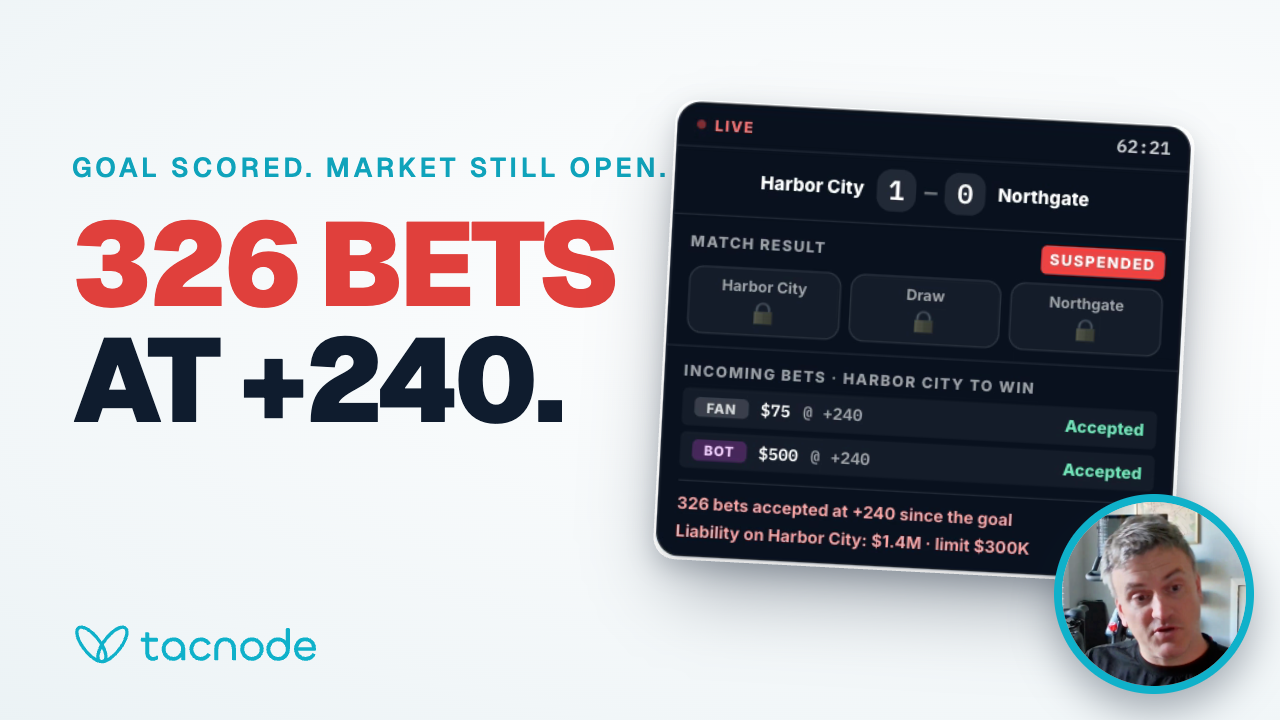
Past-Posting in Live Betting: Why Sportsbooks Keep Taking Bets After a Goal
A 4-minute walkthrough of a sportsbook that keeps taking bets for seven seconds after a goal, and the same goal with current context.
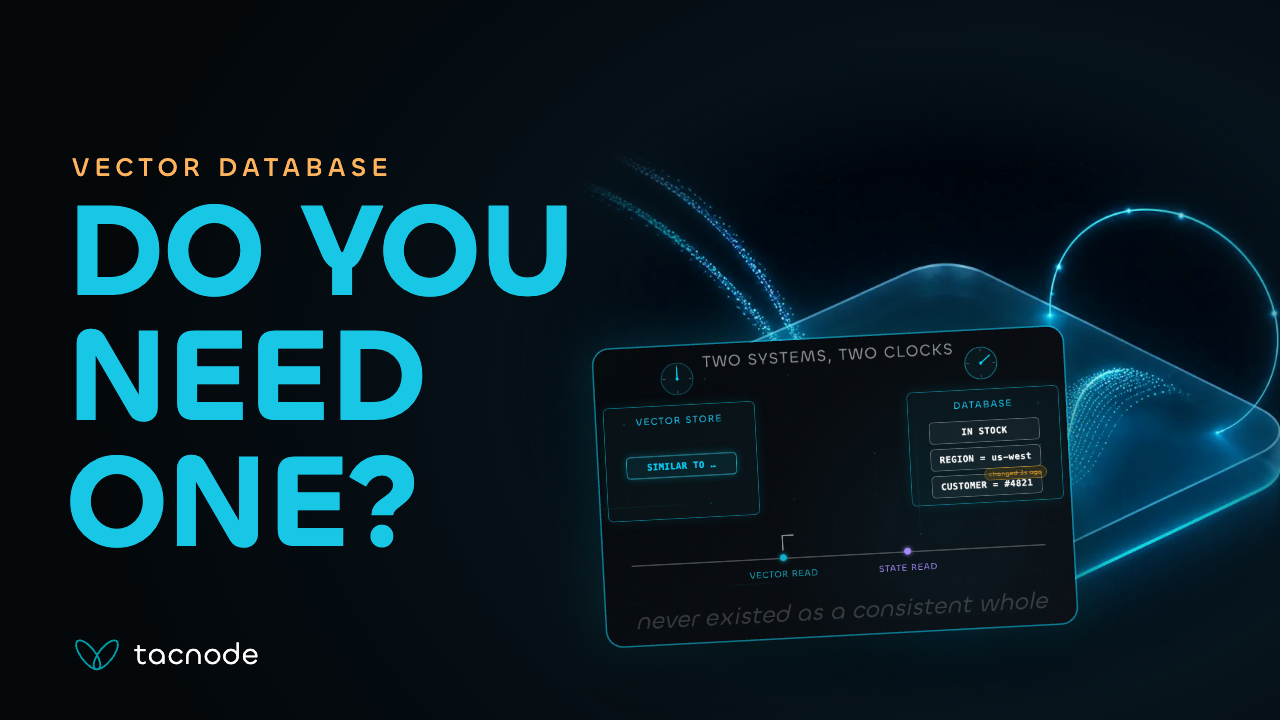
Do You Actually Need a Separate Vector Database?
A 3-minute explainer on when a separate vector database earns its place, and what changes when similarity search has to agree with live filters and state.
Ready to get started?
Book a demo to see how Tacnode can power your real-time data infrastructure.